Digital Wallet Security in Nepal: 10 Essential Tips to Protect Your Money
Comprehensive guide to securing your eSewa, Khalti, IME Pay and other digital wallets in Nepal. Learn best practices for safe online transactions, fraud prevention, and protecting your financial information.
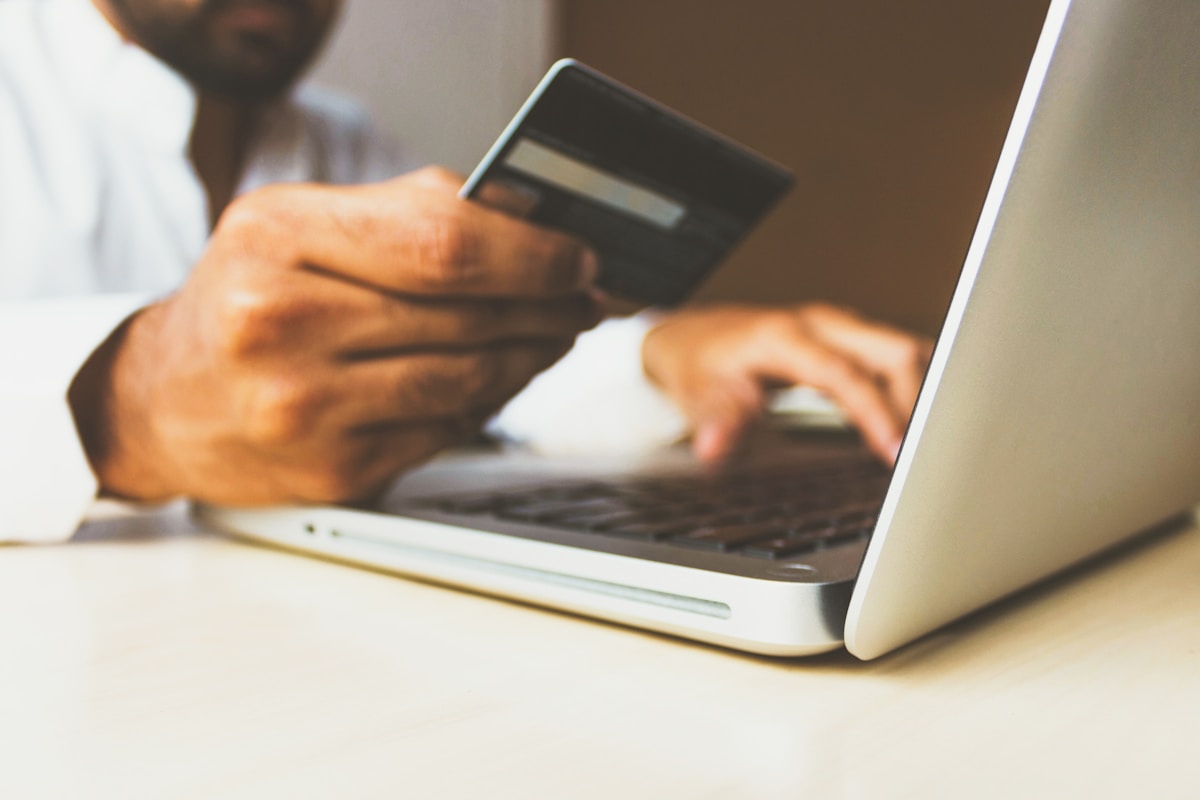
# Digital Wallet Security in Nepal: Complete Protection Guide
Digital wallets like eSewa, Khalti, IME Pay, and FonePay have revolutionized payments in Nepal. With millions using these platforms daily, understanding security is crucial. This guide provides practical tips to keep your money and personal information safe.
Understanding Digital Wallet Risks
Common Threats in Nepal
- Phishing attacks: Fake websites or messages impersonating wallet providers
- OTP scams: Fraudsters requesting your one-time passwords
- SIM swap fraud: Unauthorized SIM card replacements
- Malware: Malicious apps stealing credentials
- Public Wi-Fi risks: Unsecured network attacks
10 Essential Security Tips
1. Use Strong, Unique Passwords
What to do:
- Create passwords with 12+ characters
- Mix uppercase, lowercase, numbers, and symbols
- Never reuse passwords across platforms
- Example of strong password: `N3p@l!W@ll3t#2026`
What to avoid:
- Personal information (birthdate, phone number)
- Common words like "password123"
- Sequential numbers like "123456"
2. Enable Two-Factor Authentication (2FA)
Most digital wallets in Nepal now offer 2FA. This adds an extra security layer beyond your password.
How to enable:
- Go to Settings → Security
- Enable 2FA/Two-Step Verification
- Link your phone number
- Use authenticator apps when available
Benefits:
- Even if someone gets your password, they can't access your account
- Receive alerts for suspicious login attempts
- Extra protection for large transactions
3. Guard Your OTP (One-Time Password)
Critical rules:
- NEVER share OTP with anyone, including customer support
- OTPs are only for you to complete transactions
- Digital wallet companies will NEVER ask for your OTP
- Beware of calls claiming to be from wallet providers
Red flags:
- "We need your OTP to verify your account"
- "Share OTP to receive rewards"
- "Your account will be blocked unless you provide OTP"
4. Verify Before You Pay
Before scanning QR codes:
- Check the merchant name carefully
- Verify the amount is correct
- Look for official business indicators
- Beware of doctored QR codes in public places
For online payments:
- Ensure website URL starts with "https://"
- Look for padlock icon in browser
- Verify merchant registration details
- Use official apps only (download from official stores)
5. Keep Your App Updated
Why updates matter:
- Security patches fix vulnerabilities
- New fraud prevention features
- Enhanced encryption
- Bug fixes that could be exploited
Best practice:
- Enable automatic updates
- Update within 24 hours of release
- Only download apps from Google Play Store or Apple App Store
- Verify publisher before installing
6. Secure Your Mobile Device
Your phone is your wallet - protect it like cash.
Essential measures:
- Set strong screen lock (PIN, pattern, or biometric)
- Enable "Find My Device" feature
- Install antivirus software
- Avoid rooting/jailbreaking
- Keep operating system updated
If phone is lost:
1. Immediately call your mobile provider to block SIM
2. Log into wallet accounts from another device and change passwords
3. Report to wallet customer support
4. File police report if necessary
7. Beware of Phishing Attempts
How to identify phishing:
- Suspicious sender addresses (check carefully - scammers use similar-looking emails)
- Urgent language ("Account will be closed in 24 hours!")
- Requests for personal information
- Grammar and spelling errors
- Links to unofficial websites
Safe practices:
- Don't click links in unsolicited messages
- Type website URLs directly in browser
- Verify sender through official channels
- Report suspicious messages to wallet provider
8. Use Secure Internet Connections
Safe practices:
- Avoid public Wi-Fi for financial transactions
- Use mobile data instead
- If you must use public Wi-Fi, use VPN
- Never save passwords on public/shared devices
At home:
- Secure your Wi-Fi with strong password
- Change default router password
- Enable WPA3 encryption if available
- Keep router firmware updated
9. Monitor Your Transactions Regularly
Daily habits:
- Check transaction history daily
- Set up transaction alerts (SMS/email)
- Review monthly statements
- Verify all transactions are yours
Red flags:
- Unknown transactions
- Duplicate charges
- Unexpected balance changes
- Failed transaction attempts
What to do if you spot fraud:
1. Immediately change password
2. Contact wallet customer support
3. Report to Nepal Police Cyber Bureau (01-4412444)
4. Document everything (screenshots, transaction IDs)
10. Educate Yourself and Stay Informed
Stay updated:
- Follow official social media of wallet providers
- Read security advisories
- Learn about new scam techniques
- Join user communities
Resources:
- Nepal Rastra Bank consumer awareness programs
- Digital wallet provider blogs
- Cyber security awareness websites
What To Do If You're Scammed
Immediate Actions
1. Don't panic - stay calm to think clearly
2. Change passwords immediately on all accounts
3. Contact wallet provider - use official customer support
4. Report to authorities:
- Nepal Police Cyber Bureau: 01-4412444
- Your bank (if linked)
- Your mobile provider
Document Everything
- Take screenshots of suspicious messages
- Note transaction IDs and times
- Save call logs
- Record communication with scammer
File Formal Complaints
- Digital wallet complaint desk
- Nepal Rastra Bank
- Police cyber crime unit
- Consumer Court (if needed)
Best Practices for Safe Digital Payments
For Person-to-Person Transfers
- Verify recipient details twice
- Start with small test transaction
- Use trusted contacts only
- Keep proof of all transfers
For Online Shopping
- Shop only on verified websites
- Check seller ratings and reviews
- Use cash on delivery when possible for first-time vendors
- Save order confirmations
For Bill Payments
- Verify biller information
- Double-check account numbers
- Save payment receipts
- Set up auto-pay only for trusted services
Teaching Family Members
Help your parents and elderly relatives stay safe:
- Explain common scams in simple terms
- Set up accounts together
- Create written step-by-step guides
- Be their trusted contact for questions
- Never pressure them to rush transactions
Emergency Contacts
Keep these numbers saved:
Digital Wallet Support:
- eSewa: 9802005566
- Khalti: 9801165566
- IME Pay: 9801005151
- FonePay: 01-5970032
Authorities:
- Nepal Police Cyber Bureau: 01-4412444
- Nepal Rastra Bank: 01-4410158
- Emergency: 100
Conclusion
Digital wallet security is not about avoiding these platforms - they're safe when used correctly. By following these guidelines, you can enjoy the convenience of digital payments while keeping your money secure.
Remember: legitimate companies will NEVER ask for your password, PIN, or OTP. When in doubt, contact customer support through official channels.
Stay safe, stay secure, and enjoy the convenience of digital payments in Nepal!
---
*Mero Sanjal uses bank-grade encryption and follows Nepal Rastra Bank guidelines to protect your financial transactions. Learn more about our security measures.*